
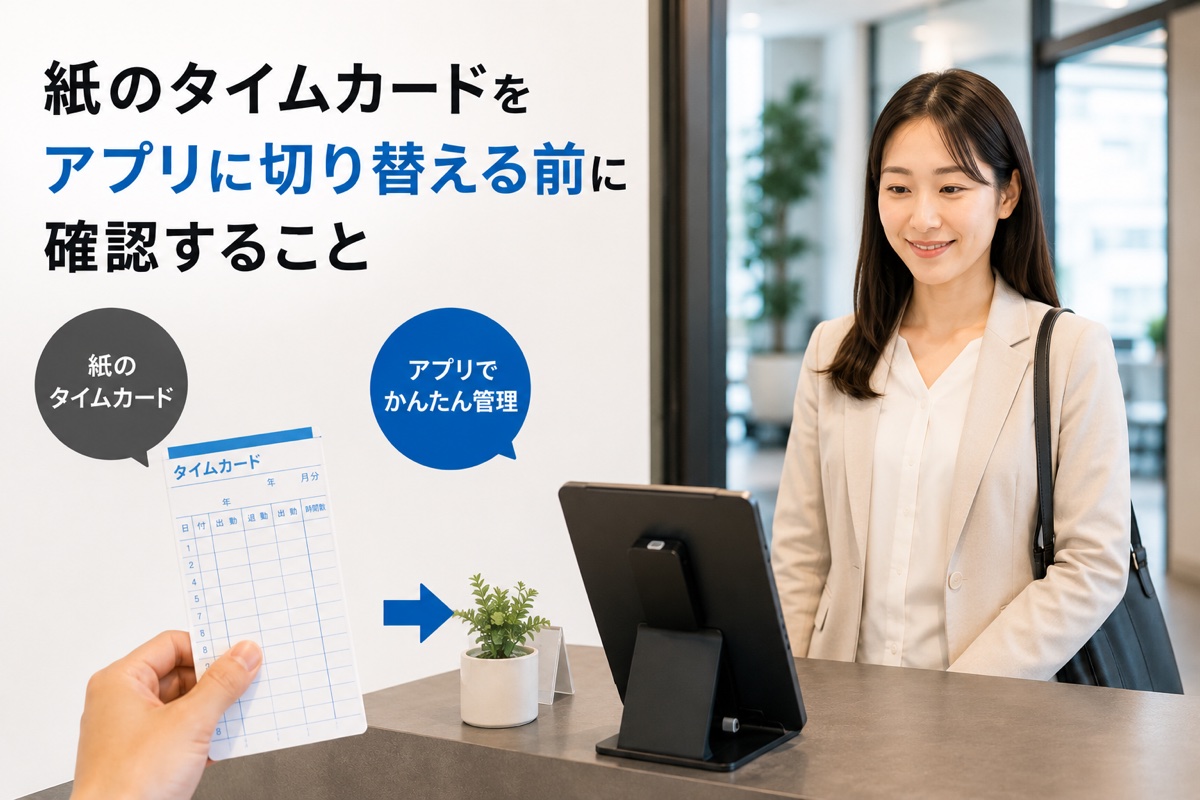
"We want to get rid of paper timecards, but we don't know where to start." We hear this all the time. This article walks you through the key points to verify before switching to a time clock app.
Why Businesses Are Moving Away from Paper Timecards Now
Paper timecards have been a reliable system for many years, but several factors are driving businesses to reconsider.
Compliance concerns Regulations in many countries now require employers to track employee working hours through objective methods. Paper timecards, which can be altered, often fall short of these requirements.
Time spent on manual calculations Tallying timecards by hand at the end of each month takes longer as your team grows. Factor in correcting errors, and the burden on your administrator can be surprisingly heavy.
Maintenance issues with time clock machines Machine breakdowns, ink shortages, and paper jams can mean missed punches for the day. Aging equipment also makes replacement parts harder to find.
5 Things to Check Before You Switch
1. Do employees need to use their own smartphones?
When people hear "switch to an app," many imagine installing an app on every employee's phone. But a tablet-based app — where one shared device sits at the entrance or reception area and everyone clocks in on it — requires no employee smartphones at all.
Employees just tap the screen, the same way they used paper timecards. If your team includes staff who aren't tech-savvy, or if managing personal devices is a concern, a shared tablet app makes the transition much smoother.
2. Can the administrator handle all setup on their own?
Some apps require issuing individual login IDs to each employee and having them configure their own accounts. This is more work than it sounds, and in workplaces with high turnover, it becomes a recurring task.
Choose an app where the admin simply registers members and employees are ready to clock in from day one.
3. Does the price stay flat as headcount grows?
Most cloud-based attendance systems charge per employee per month. In workplaces with many part-time workers, costs can spike during busy seasons when you hire more staff.
A flat monthly fee with unlimited users means your costs stay predictable no matter how many employees you add.
4. Does it support CSV / Excel export?
Even if employees clock in through an app, most businesses still process payroll in existing software or spreadsheets. An app that exports data in CSV or Excel format lets you carry over your existing workflow at month-end.
If the export format doesn't match your payroll software, you'll end up doing manual work — so check this in advance.
5. How is data backed up?
If a device is damaged or lost, attendance data could be gone with it. Apps that support OS-level backups (iCloud or Google Backup) let you restore data on a new device without losing records.
When Is the Best Time to Switch?
The start of a new month is ideal. Switching mid-month creates a split — paper for the first half, app for the second — which complicates end-of-month payroll processing.
If the app offers a 30-day free trial, you can test it in your actual workplace before committing to full deployment.
Summary: Pre-Switch Checklist
- Can employees clock in without using their personal smartphones?
- Can the administrator complete all setup without employee involvement?
- Does the price stay the same as headcount grows?
- Does it export data in CSV or Excel format?
- Is data backup supported?
- Is there a free trial?
Time Clock App is a shared tablet time clock app. Flat rate, unlimited staff, no device limits. The admin registers members, and employees are ready to clock in the same day. Try it free for 30 days on any tablet you already own.
Related Articles