A hotel never really closes, and that makes a hotel time clock app one of the more useful tools you can put behind the desk. Someone covers the front desk at 3 a.m., housekeepers race to turn rooms before the next check-in, and the kitchen handles a breakfast rush in the morning and a dinner rush at night. A good hotel time clock app has to keep up with all of it.
Every one of those shifts ends up on payroll. When the hours come from paper sheets, memory, and a few texts, the numbers rarely line up. This article covers where hotel hours go wrong and how one shared tablet can record every shift, in every department, without adding work for your team.
Why Hotel Staff Time Tracking Gets Messy
Most businesses have one opening time and one closing time. A hotel runs on three or four overlapping schedules at once, and each department has its own rhythm. That's why hotel staff time tracking tends to break down in the same few places.
Overnight Front Desk Shifts That Cross Midnight
The night auditor who starts at 11 p.m. and leaves at 7 a.m. works one shift across two calendar dates. On a paper sheet, that often turns into two half-entries, or one entry with a question mark next to it.
Breaks are even harder. When you're the only person at the desk overnight, a meal break happens whenever the lobby is quiet. By morning, nobody remembers whether it was 20 minutes or 45, and the record shows whatever someone wrote down at the end.
Housekeeping Crews on Staggered Start Times
Housekeeping doesn't start all at once. On a full night, you might call in extra room attendants early. On a slow day, some start late or leave once their rooms are done. Late checkouts push the whole schedule back.
That makes housekeeping staff time tracking a moving target. Start and end times shift every day with occupancy, and a supervisor juggling room assignments has no time to log everyone's hours by hand. A housekeeping time clock that each person uses on the way in and out takes that job off the supervisor.
Seasonal Peaks and Event Staffing
Summer travel, holiday weekends, weddings, and conferences all bring in temporary staff: extra servers for a banquet, more room attendants for a sold-out weekend, and another front desk agent for the busy season.
If your time tracking tool charges per user, each of those hires raises the bill. Costs jump right when you're busiest, and you end up paying for accounts you forgot to close after the season ends.
What Goes Wrong with Paper Timesheets and Buddy Punching
Paper timesheets feel simple until a busy day puts them to the test. Here's how that usually plays out at a hotel:
- The check-in rush. A tour bus arrives at 3 p.m., the line reaches the door, and the agent whose shift ended at 3:00 stays to help. They leave at 3:40 and forget to write down their clock-out. Next week, someone has to guess.
- Handwritten corrections. A "7:00" gets crossed out and rewritten as "7:30." Did the employee fix a mistake, or did someone else change it? A paper sheet can't tell you.
- Chasing sheets before payroll. The front desk keeps one binder, housekeeping keeps another, and the kitchen tapes theirs to the walk-in door. Before payroll, you walk the building collecting pages and typing them into a spreadsheet.
- Buddy punching. One cook writes in a coworker's start time because "he's parking the car." It's usually harmless, but it means your records show what people said happened, not what actually did.
None of this comes from carelessness. It happens because recording time is separate from actually starting work. Moving the punch to the moment someone walks in fixes most of it.
How a Shared Tablet Time Clock Works at a Hotel
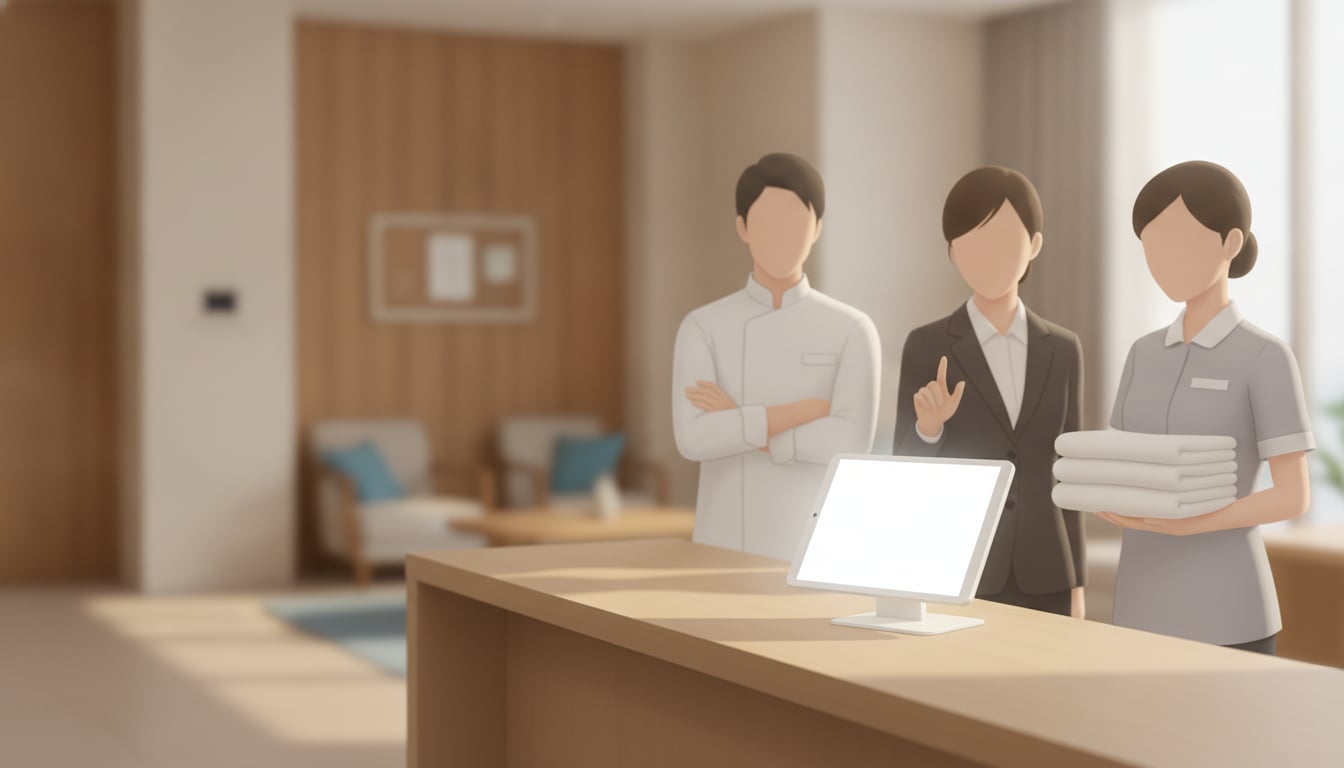
Time Clock App runs on an iPad or Android tablet you already own. The whole staff shares one device, so you don't need hardware for each person or a separate system for each department.
One Tablet in the Back Office Covers Every Department
Put the tablet behind the front desk, in the back office, or by the staff entrance, anywhere every employee walks past at the start and end of a shift. Front desk agents, housekeepers, maintenance, and F&B staff all use the same station.
Everything lands in one place. Instead of three binders, you have a single record of hotel staff time tracking across every department. If you'd like more detail on how the app fits lodging operations, see our time clock for hotels and lodging page.
Tap Your Name to Clock In. No Logins, No Personal Apps
As the admin, you add each team member to the roster. That takes a few minutes. Employees never create accounts, remember passwords, or install anything on their own phones. They walk up, tap their name, and choose one of four actions:
- Clock in
- Clock out
- Start break
- End break
That's the whole process. A seasonal room attendant can use it on day one without any training, and staff who speak different languages can follow along easily because it's just names and buttons.
Reminders That Catch Missed Clock-Outs After Night Shifts
After eight hours on the overnight desk, forgetting to clock out on the way home is easy. The app sends reminders when an expected punch doesn't happen, so a missed clock-out gets caught the same day, not at the end of the pay period.
Export Hours to CSV or Excel for Payroll
When the pay period closes, export everyone's hours to CSV or Excel and bring the file into your payroll process. The totals come from recorded punches, not handwritten math, so you skip the retyping and the second-guessing.
Try it free for 30 days on a tablet behind your front desk.
Why Flat Pricing Fits Hotels with Seasonal Staff
Hotel headcount changes all year. You staff up for summer, bring in banquet servers for a wedding weekend, and scale back in the off-season. Per-user pricing turns each of those changes into a billing question.
Time Clock App charges one flat monthly fee of $4.99 with unlimited employees. Add ten seasonal housekeepers in June and your bill doesn't change. Remove them in September and nothing is left to cancel. You pay the same price whether you run a 20-room inn or a 150-room property.
A few more things that matter when you depend on the records:
- Built-in backup. Records are protected by the device's own iCloud or Google backup, so replacing a tablet doesn't mean losing your attendance history.
- No per-department setup. One roster covers front desk, housekeeping, maintenance, and F&B.
- A free plan for one user. If you want to test it yourself first, the free plan includes every feature for a single user.
For a small hotel group, the math is simple: one predictable cost per property, no matter how the schedule changes.
Final Thoughts
Overnight desk shifts, staggered housekeeping crews, and split breakfast and dinner service all make hotel hours harder to track than they look. Paper sheets and per-user tools add more work and more cost right when you're busiest. A hotel time clock app on one shared tablet records every shift as it happens, keeps your price flat as you add seasonal staff, and hands you a clean export at payroll time.
Time Clock App comes with a 30-day free trial. Set it up behind your front desk, run it through one full pay period, and see how it fits your property.
Get Time Clock App today


Related Articles