
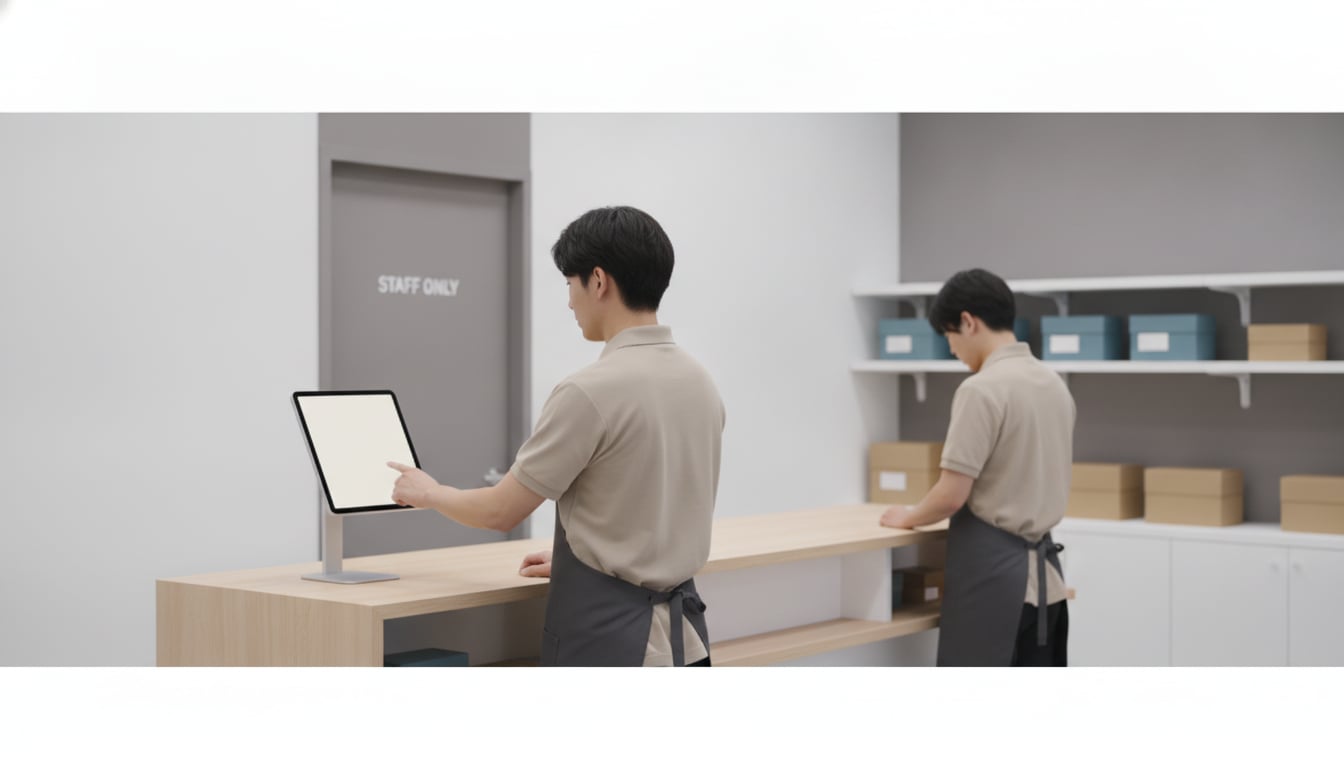
A retail time clock app has to do more than record a single punch — it has to keep every location's attendance consistent when each store opens and closes at a different pace, staff regularly cover shifts at more than one branch, and part-time turnover means the roster never sits still. If you're running two, five, or twenty stores and still stitching together attendance from separate paper logs or per-store spreadsheets, this article walks through why that breaks down and how a single tablet per location can bring it all onto one dashboard.
The Attendance Headaches Multi-Location Retailers Face
Every retail chain runs into the same pattern once it grows past a single store: attendance data that lives in as many places as there are locations. A manager at one branch tracks hours their own way, another still uses a paper sign-in sheet, and by the time it all reaches head office for payroll, someone has spent hours just reconciling formats before the actual math even starts.
Clock-ins pile up right before opening and after closing
Retail shifts start and end in tight windows. Ten minutes before opening, the whole opening crew is trying to punch in at once; ten minutes after closing, the closing crew wants to sign out and go home. On a paper sheet or a slow login screen, that bottleneck means someone's punch gets missed or guessed at, and it happens at every single store, every single day.
Tracking staff who float between stores gets messy fast
Retail staff regularly pick up a shift at a nearby location to cover a call-out or a busy weekend. When each store keeps its own separate record, that floating shift either doesn't get logged anywhere, or it gets logged twice — once by the home store and once by the covering store — and someone at head office has to figure out which hours actually belong where.
High part-time turnover makes paper timesheets fall apart
Retail leans heavily on part-time and seasonal staff, and that roster turns over constantly. Every new hire on paper means a new timesheet to track down at month-end, and every departure leaves a stack of old sheets that still need to be accounted for. Multiply that by several locations and the paperwork alone becomes a part-time job in itself.
How a Single Tablet Time Clock Manages Every Store
The fix isn't a bigger spreadsheet — it's giving every location the same simple device and pulling all of it into one place automatically.
One tablet per location, one dashboard for all of them
With Time Clock App, each store gets its own tablet mounted at the entrance or break room, but every one of those tablets reports into the same account. A regional manager or head office admin can open a single dashboard and see attendance from every store at once, instead of calling around or waiting for each location to send in its own file. Adding a new store location is as simple as setting up one more tablet — there's no separate system to configure or license to buy.
No individual logins — staff just tap in and out
This is retail employee time tracking software built around how retail actually staffs shifts: administrators add the entire roster for a store directly in the app, and staff never create a password or install anything on their own phone. A new part-time hire can clock in on their very first shift, and when someone leaves, removing them is one step in the admin panel — no dormant account left behind at a store that's already moved on to the next hire.
See cross-store shifts and coverage in the clock-in history
Because every location feeds the same account, a staff member who covers a shift at a second store shows up in that store's clock-in history just like anyone assigned there full-time. There's no separate spreadsheet to reconcile and no guessing which location a floating shift belongs to — the record reflects exactly where and when the person actually worked.
Why Retail Chains Are Switching to Tablet Time Clocks
Flat $4.99/month no matter how many employees you add
Time Clock App charges a flat $4.99 per month per device, and that price doesn't change whether a store runs 5 employees or 50. Add seasonal staff for the holiday rush, staff up a new location, or scale down after a busy season — the bill stays exactly the same. Per-employee pricing punishes growth at the exact moment a retail chain is trying to expand; a flat rate keeps the budget predictable no matter how many stores or staff you add.
Export CSV/Excel reports across every location in one file
At month-end, every punch from every store exports directly to CSV or Excel, so head office can pull one combined file instead of collecting separate reports from each manager and merging them by hand. That single export drops straight into existing payroll software, turning what used to be days of reconciliation into a quick data transfer.
Try it free for 30 days before rolling it out chain-wide
Rather than committing to new hardware or a new process across every store at once, Time Clock App offers a 30-day free trial. Set it up at one location first, confirm it fits how that store actually operates, and then roll it out to the rest of the chain with confidence instead of guesswork.
Getting Started: Digitizing Attendance Across Your Stores
Multi-store staff attendance tracking doesn't need a complicated rollout — it needs a consistent starting point at every location.
Three steps to launch at your first location
- Install the app — Put Time Clock App on an iPad or Android tablet already on hand at one store. No dedicated hardware purchase is required to get started.
- The admin registers staff — From the admin screen, add that store's roster, including anyone who regularly floats in from another location.
- Mount the tablet and start clocking in — Fix the tablet near the entrance or break room. Staff simply find their name and tap clock in or clock out — no training beyond that one instruction.
What to check before dropping paper timecards
Before retiring paper timecards chain-wide, confirm Wi-Fi coverage at each location, decide which staff need to appear across more than one store's roster, and export a sample pay period as CSV to make sure it maps cleanly into your existing payroll process. Working through these checks at your pilot store first means every additional location goes live without surprises.
The Bottom Line: One Tablet, Every Store Covered
Multi-location retail attendance doesn't have to mean multiple systems. A retail time clock app that puts one tablet in each store and feeds every punch into a single dashboard removes the reconciliation work that paper and per-store spreadsheets create, whether staff are covering their home shift or filling in somewhere else. Time Clock App offers a 30-day free trial with unlimited staff per device and a flat $4.99/month — start with one store and expand to the rest of your chain once you've seen it hold up.
Get Time Clock App today


Related Articles